
WebMCP: Letting Agents Call Your Web App Instead of Clicking It
Agents interact with your site by reading the DOM and guessing which element to click. WebMCP lets the page declare named tools instead. Here is the real API, the security model, and how it fits next to an MCP server in C#.
An AI agent that wants to book a flight on your site today does it the hard way. It reads the DOM, guesses which element is the date picker, clicks, waits, screenshots, and checks whether the guess worked. It is slow, it costs a lot of tokens, and it breaks when you rename a CSS class.
WebMCP is a proposed browser standard that lets you stop that. Instead of the agent guessing how your page works, your page tells it. You register named tools with descriptions and JSON schemas, and the agent calls them.
This is not the same thing as the MCP server you may already run. It is the browser half of the same idea, and the two solve different problems. I get to that below.
One question first, because it decides whether any of this is worth your time. Who is on the other end? Three kinds of caller: an agent built into the browser, an agent running in a browser extension, and an agent in an iframe on your own page. In every case the browser sits in the middle and mediates the call. There is no open port and no inbound connection. A tool you register is reachable only from the tab it was registered in, by a caller the browser lets through.

First, a correction that will save you an hour
Most of the WebMCP posts you will find right now show this:
// This is the old shape. It is not in the current explainer.
navigator.modelContext.provideContext({ tools: [ /* ... */ ] });
The current API is on document, not navigator, and the method is registerTool, not provideContext. I checked the explainer in the W3C Web Machine Learning group repository and the specification draft. The strings navigator.modelContext and provideContext appear zero times in either one.
The proposal was first published in August 2025 and the API shape changed since. A lot of the written material did not follow. If you copy a sample and provideContext is undefined, that is why.
Registering a tool
The imperative API is one call:
const controller = new AbortController();

await document.modelContext.registerTool({
  name: "add-todo",
  description: "Add a new item to the user's active todo list",
  inputSchema: {
    type: "object",
    properties: {
      text: { type: "string", description: "The text content of the todo item" }
    },
    required: ["text"]
  },
  async execute({ text }) {
    // Reuse the client-side logic you already have, and update the UI.
    await addTodoItemToCollection(text);

    return {
      content: [
        { type: "text", text: `Added todo item: "${text}" successfully.` }
      ]
    };
  }
}, { signal: controller.signal });
Three things are worth noticing.
The execute callback runs in your page, in your session. It has the user's cookies, the current form state, and whatever you already loaded into memory. That is the whole point. You are not rebuilding your feature on a server for the agent's benefit. You are pointing the agent at the function the button already calls.
You unregister by aborting the signal. There is no unregisterTool. For an app with many screens, the recommended pattern is to register the tools that make sense for the current state and abort them when the user moves on.
The return shape is { content: [ { type, text } ] }, which will look familiar if you have written an MCP server.
The declarative version
If the thing you want to expose is already an HTML form, you do not need JavaScript at all. The browser can synthesise the tool from the form:
<form toolname="search-cars"
      tooldescription="Perform a car make/model search"
      toolautosubmit>
  <input type="text" name="make"
         toolparamdescription="The vehicle's make (e.g., BMW, Ford)" required>
  <input type="text" name="model"
         toolparamdescription="The vehicle's model (e.g., 330i, F-150)" required>
  <button type="submit">Search</button>
</form>
toolname and tooldescription map to the tool's name and description. Each field's name becomes a property in the generated input schema, and toolparamdescription becomes that property's description. toolautosubmit lets the agent submit the form itself instead of only filling it.
One caveat. In the specification draft the declarative section is still marked as a TODO, and the details live in a separate explainer document. Chrome documents it as usable, and the explainer is detailed. But this is the part of the proposal most likely to move.
Discovery, execution, and change
An agent finds tools with getTools() and runs one with executeTool():
const tools = await document.modelContext.getTools();

const result = await document.modelContext.executeTool(
  tools.find(t => t.name === "add-todo"),
  { text: "Buy milk" }
);
Each RegisteredTool carries name, title, description, inputSchema, annotations, plus the origin and the window of the document that registered it.
When your app registers or unregisters tools, document.modelContext fires a toolchange event so an agent can refresh its list:
document.modelContext.addEventListener("toolchange", async () => {
  const currentTools = await document.modelContext.getTools();
  // Refresh whatever the agent is holding.
});
There is no updateTool(). If the name, description or schema changes, you unregister and register again. The implementation behind execute can change freely without re-registering, because the model never sees it.
The security model, and what it does not do for you
This is the part to read twice.
Origins. By default your tools are visible only to same-origin documents and to the browser's built-in agent. A cross-origin iframe sees nothing unless you list it:
await document.modelContext.registerTool({ /* ... */ }, {
  exposedTo: ["https://trusted.example", "https://partner.example"]
});
Going the other way, getTools({ fromOrigins: [...] }) is how a caller asks for cross-origin tools, and the browser checks that both sides agree. Secure origins only.
Permissions Policy. The feature is gated by a policy-controlled feature named tools, with a default allowlist of self. Send Permissions-Policy: tools=() and registerTool() rejects with a NotAllowedError. The feature also switches off if you set Origin-Agent-Cluster: ?0.
Annotations. Four boolean hints go on the tool descriptor:
annotations: {
  readOnlyHint: true,          // does not change state
  consequentialHint: true,     // money, bookings, deletion: ask the user first
  untrustedContentHint: true,  // output contains user-generated or third-party text
  debugging: false
}
These are hints to the agent, not enforcement by the browser. consequentialHint asks the agent to get confirmation. It does not make the agent do it.
And here is the thing that matters most. Agents are vulnerable to indirect prompt injection, which means text on a page can carry instructions the agent follows. If you register a tool that transfers money, you have given a probabilistic system a button. The browser isolates your tools by origin. It does not decide whether a given call was a good idea.
So the rule is the same one you already use for any public endpoint. Validate in execute, every time. The schema was read by the model once, when the tool was first seen. Your application state has moved since then. Check the inputs, check that this user is still allowed to do this, check preconditions, and return a clear error string if any of that fails. Treat a tool call as an untrusted request that happens to arrive through the browser instead of over HTTP.
The explainer is honest that authentication and authorisation for individual tools are not specified. It assumes origin-level trust is enough. For anything consequential, it is not, and that gap is yours to fill.

WebMCP or an MCP server?
If you have read Part 2 of the agentic series, you already have an MCP server in C#. WebMCP does not replace it.
| MCP server | WebMCP | |
|---|---|---|
| Where the code runs | your backend | the user's browser tab |
| Transport | JSON-RPC over stdio or HTTP | a browser API, mediated by the browser |
| Available when | always | only while the user has your page open |
| Auth | you build it | the user's existing session, already signed in |
| State | whatever the server knows | live DOM, form state, current cart, cookies |
| Who can reach it | any agent, any platform | the agent attached to that tab |
The honest answer for most products is both, and for different jobs.
The MCP server is your service layer. It is platform agnostic, it works when nobody is looking at a browser, and it is where core business logic and background work belong.
WebMCP is for the moment the user is on the page with an agent beside them. The agent can act on the half-filled form the user is looking at, using the session they already authenticated, and your UI updates as it goes so the human can see what happened. Replicating that server-side would mean rebuilding state and auth that the browser already holds.
A useful test: if the task makes sense with the browser closed, it belongs in the MCP server.

Doing this from Blazor
Nothing here is C#, so a Blazor app reaches WebMCP through JS interop. The pattern is a DotNetObjectReference and a [JSInvokable] method.
public sealed class TodoTools : IAsyncDisposable
{
    private readonly IJSRuntime _js;
    private readonly TodoService _todos;
    private DotNetObjectReference<TodoTools>? _ref;

    public TodoTools(IJSRuntime js, TodoService todos) => (_js, _todos) = (js, todos);

    public async Task RegisterAsync()
    {
        _ref = DotNetObjectReference.Create(this);
        await _js.InvokeVoidAsync("webmcpInterop.registerAddTodo", _ref);
    }

    [JSInvokable]
    public async Task<string> AddTodoAsync(string text)
    {
        // Validate here, not in the schema. This is the trust boundary.
        if (string.IsNullOrWhiteSpace(text))
            return "The todo text was empty. Ask the user what to add.";

        await _todos.AddAsync(text.Trim());
        return $"Added todo item: \"{text.Trim()}\".";
    }

    public async ValueTask DisposeAsync()
    {
        await _js.InvokeVoidAsync("webmcpInterop.unregisterAddTodo");
        _ref?.Dispose();
    }
}
And the small piece of JavaScript that owns the registration:
window.webmcpInterop = {
  _controller: null,

  async registerAddTodo(dotNetRef) {
    if (!document.modelContext) return false;  // not available: fall back to the UI

    this._controller = new AbortController();

    await document.modelContext.registerTool({
      name: "add-todo",
      description: "Add a new item to the user's active todo list",
      inputSchema: {
        type: "object",
        properties: { text: { type: "string", description: "The todo text" } },
        required: ["text"]
      },
      annotations: { readOnlyHint: false, consequentialHint: false },
      async execute({ text }) {
        const message = await dotNetRef.invokeMethodAsync("AddTodoAsync", text);
        return { content: [{ type: "text", text: message }] };
      }
    }, { signal: this._controller.signal });

    return true;
  },

  unregisterAddTodo() {
    this._controller?.abort();
    this._controller = null;
  }
};
Two notes on this. I have written it as the shape I would use; treat it as a pattern rather than something you paste without reading. And in Blazor Server the execute callback crosses a SignalR circuit, so the round trip is slower than a local call and the circuit can be gone by the time an agent calls a tool that was registered minutes ago. Guard for that.
If your validation logic is already sitting in C# tool methods for your MCP server, this is where it pays off. Both entry points should land on the same guarded service method. Do not write the rules twice.
What you can actually run today
Be realistic about the status.
WebMCP is a proposal, not a shipped standard. It is developed in the W3C Web Machine Learning Community Group, with Google and Microsoft active in it. Chrome exposes document.modelContext behind an origin trial starting in Chrome 149, and locally you can switch it on with chrome://flags/#enable-webmcp-testing. Without a per-origin trial token or that flag, document.modelContext is undefined, so feature-detect before you call anything.
Community trackers say the trial runs through Chrome 156 and the tokens expire in November 2026. I could not confirm that date on Chrome's own pages, so check the origin trial registration page rather than trusting the number.
Several things are still open in the proposal: multimodal tool inputs and outputs, what happens to a tool response when the tool navigates the page, an outputSchema to match inputSchema, progress reporting for long tasks, a proper user confirmation mechanism, and extending discovery into service workers so an agent can reach a site the user does not currently have open. That last one would change the picture a lot, and it is not settled.
Where I would start
Pick the one workflow on your site that agents get wrong today. Not ten. One.
Register it as a single tool with a clear name, a description that says what it does rather than how to use it, and an input schema where every property has a description. Accept raw input and normalise it in your own code, because making the model do arithmetic or time zone conversion is how you get wrong answers. Return plain sentences on failure so the agent can correct itself and try again.
Keep the list short. There is no hard limit on how many tools a page may register, but every tool's name, description and schema is copied into the model's context. Register thirty and you have spent the context window before the user has typed anything, made every call slower, and given the model thirty similar options to confuse. Register the tools that fit the current screen and abort them when the user leaves it.
Then watch what the agent actually does with it. The interesting part of this proposal is not the API surface, which is small. It is that you finally get to decide what your site offers an agent, instead of hoping it clicks the right thing.
Sources
Keep reading
September 19, 2026 · 6 min
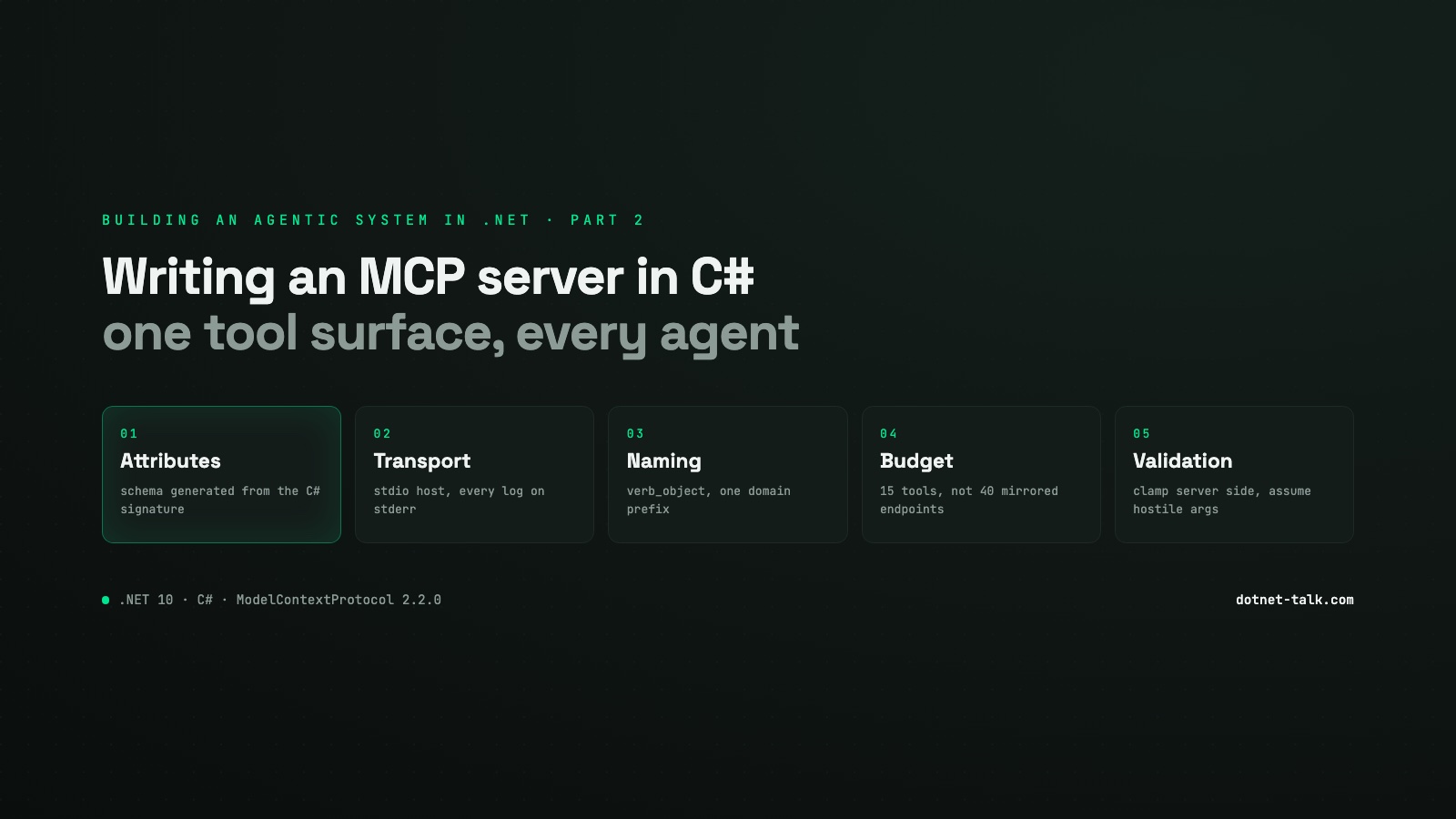
Building an Agentic System in .NET, Part 2: Writing an MCP Server in C#
How to expose your own tools to any AI agent by building a Model Context Protocol server in C# with the official ModelContextProtocol SDK v2.2.0. Tool design, input validation, context window budgeting, and the naming mistakes that make models misuse your tools silently.
Read
October 18, 2026 · 8 min
The Narrow Sidewalk: Where Developers Stand When Agents Write the Code
Agents write much of the code now, and that is not going back. But green checks can still hide wrong meaning, and someone has to know what correct code looks like. Here is the narrow path between writing every line and writing none, with tested C#.
Read
October 16, 2026 · 16 min
Why Agents Need a Knowledge Base: The Gaps an LLM Can't Fill by Itself
A model knows only what was in its training data, up to its cutoff, and very little about specialised fields or your own systems. Here are the four gaps a knowledge base fills in an agentic system, why a 1M token context window doesn't close them, and how to expose one to an agent in C#.
Read