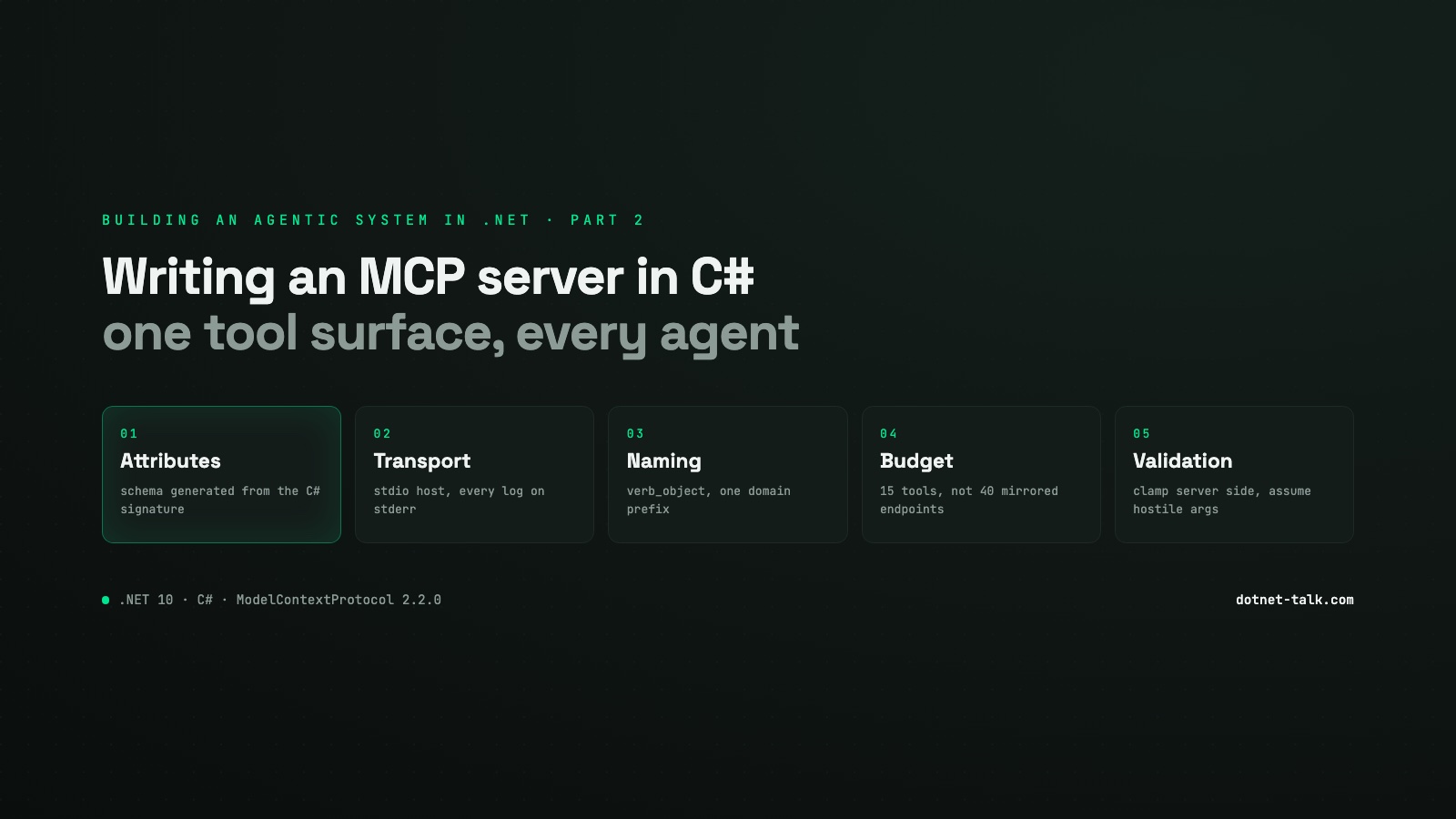
Building an Agentic System in .NET, Part 2: Writing an MCP Server in C#
How to expose your own tools to any AI agent by building a Model Context Protocol server in C# with the official ModelContextProtocol SDK v2.2.0. Tool design, input validation, context window budgeting, and the naming mistakes that make models misuse your tools silently.
Why MCP, and Why Now
Part 1 built the harness: the turn loop, tool dispatch, transport and persistence. Tool dispatch was left as an interface. This part fills it in from the other side of the contract, where you expose capabilities such as history search, workspace state and bus messaging, so any agent, Claude, Copilot or your own orchestrator, can call them without you writing an adapter per agent.
That is the point of the Model Context Protocol. The C# SDK reached v1.0 on 25 February 2026, and the current stable release is v2.2.0, from 13 August 2026. Be careful here. v2.0.0, released on 28 July, changed several defaults, and almost every tutorial you will find, including whatever an LLM generates for you, still describes 1.x behaviour. Pin your NuGet version.
<PackageReference Include="ModelContextProtocol" Version="2.2.0" />The SDK is maintained jointly by Microsoft and Anthropic, targets MCP spec revision 2025-11-25, and covers .NET 8 LTS, .NET 9 and .NET 10 through netstandard2.0.
The Attribute Based Tool Model
The main authoring surface is attributes. Put [McpServerToolType] on a class, [McpServerTool] on each public method you want to expose, and the SDK generates the JSON schema from the C# signatures. No hand written schema, no glue code.
Here is a realistic tool class for a history search domain:
using ModelContextProtocol.Server;
using System.ComponentModel;
using System.Threading;
using System.Threading.Tasks;

[McpServerToolType]
public sealed class HistoryTools
{
    private readonly IHistoryRepository _repo;

    public HistoryTools(IHistoryRepository repo) => _repo = repo;

    [McpServerTool]
    [Description(
        "Search the audit history for a tenant. " +
        "Returns events matching the query string, ordered by timestamp descending. " +
        "Use this when the user asks what happened, what changed, or who performed an action. " +
        "Set limit between 1 and 50; defaults to 10 if omitted. " +
        "NEVER use this tool to retrieve live resource state, call workspace_get_resource instead.")]
    public async Task<SearchHistoryResult> history_search_events(
        [Description("The tenant identifier (UUID).")] string tenantId,
        [Description("Free-text query, e.g. 'order cancelled by admin'.")] string query,
        [Description("Maximum events to return. Range: 1 to 50.")] int limit = 10,
        CancellationToken cancellationToken = default)
    {
        if (string.IsNullOrWhiteSpace(tenantId))
            throw new McpException("tenantId is required.");
        if (string.IsNullOrWhiteSpace(query))
            throw new McpException("query must not be empty.");
        limit = Math.Clamp(limit, 1, 50);

        var events = await _repo.SearchAsync(tenantId, query, limit, cancellationToken);
        return new SearchHistoryResult(events);
    }
}
A few things to notice:
CancellationTokenis resolved by the SDK. You do not pass it from the host.- Services injected through DI, such as
IHistoryRepository, arrive through the constructor. The SDK builds tool instances from the DI container. McpExceptionsignals a tool level error the agent can recover from. It gets an error content block and can retry or escalate. KeepMcpProtocolExceptionfor real protocol violations.limitis clamped on the server no matter what the model sends. The server has to assume the arguments are hostile.
Hosting the Server over stdio
For local editor integrations, Claude Desktop or Claude Code, stdio is the right transport. The whole host is a console application, no ASP.NET Core needed:
// Program.cs
using Microsoft.Extensions.DependencyInjection;
using Microsoft.Extensions.Hosting;
using Microsoft.Extensions.Logging;
using ModelContextProtocol.Server;

var builder = Host.CreateApplicationBuilder(args);

// Route ALL logs to stderr. Any stray bytes on stdout corrupt the JSON-RPC stream.
builder.Logging.AddConsole(opts =>
    opts.LogToStandardErrorThreshold = LogLevel.Trace);

builder.Services
    .AddScoped<IHistoryRepository, SqlHistoryRepository>()
    .AddScoped<IMemoryStore, RedisMemoryStore>()
    .AddScoped<IBusClient, ServiceBusClient>()
    .AddMcpServer()
    .WithStdioServerTransport()
    .WithToolsFromAssembly(); // scans for [McpServerToolType] in entry assembly

await builder.Build().RunAsync();
The LogToStandardErrorThreshold = LogLevel.Trace line is not optional. One Console.WriteLine anywhere in your dependency chain and the MCP client cannot parse the response frame.
For production, remote deployments or multi tenant services, switch to ModelContextProtocol.AspNetCore and .WithHttpTransport(). One caveat: stateless HTTP cannot push unsolicited tool list changed notifications, so if you need a tool surface that changes at runtime you need stdio or a stateful session.
Registering the Server with a Client
For Claude Desktop, or any MCP aware client, add a config entry pointing at your binary:
{
  "mcpServers": {
    "my-platform-server": {
      "command": "dotnet",
      "args": ["run", "--project", "src/MyPlatform.McpServer", "--no-build"],
      "env": {
        "ASPNETCORE_ENVIRONMENT": "Development"
      }
    }
  }
}
In CI, publish a self contained binary and point at that instead, so the agent host does not need the SDK installed.
The Design Question Most Teams Get Wrong: Granularity and Naming
The most common failure is mirroring your REST API one to one. GET /orders/{id} becomes get_order, GET /orders becomes list_orders, POST /orders becomes create_order, and you have 40 tools before you have covered two domains. The model gets no guidance about intent, and the schemas alone eat 5,000 to 10,000 tokens for 20 tools, according to the AWS prescriptive guidance. At 50 tools you are burning 20,000 to 25,000 tokens before the user has said anything.
Cursor puts a hard warning at 40 tools. In practice the ceiling is lower once conversation history is in the window too.
Naming Rules That Actually Matter
Tool names are not metadata. They are the menu the planning model reads on every single turn. The convention the spec recommends is verb_object, lowercase snake_case, one verb per operation, no abbreviations, prefixed by domain. So history_search_events, not histSearch and not getEvents.
Two tools called fetch_user and get_user that hit different backends will be picked more or less at random, based on which one sounds more authoritative in that sentence. Rename one of them. The model is doing fuzzy semantic matching, not an exact lookup.
The spec allows descriptions up to 1,024 characters. Use them. Hasan et al. (arXiv 2602.14878, February 2026) found that compact but well written descriptions keep behaviour reliable while cutting token overhead. Being concrete beats being long: say when to call the tool, when not to, and what the output looks like. Anthropic's own MCP servers leave 72 percent of parameters with no description, which makes models guess inputs instead of asking.
A Real 15 Tool Surface
Here is how a platform team can group 15 tools without wrecking the context window:
| Domain | Tools |
|---|---|
| History | history_search_events, history_get_event_detail |
| Memory | memory_store_fact, memory_recall_facts, memory_delete_fact |
| Bus messaging | bus_publish_event, bus_get_dead_letter, bus_replay_event, bus_list_subscriptions |
| Workspaces | workspace_list, workspace_get_resource, workspace_create, workspace_archive, workspace_set_metadata |
Fifteen tools across four domains is manageable. Each group has a clear boundary, the verbs are consistent (search, get, list, store, recall, publish, replay, create, archive, set), and a planner can reason about which domain it needs without reading every description.
When the Tool Surface Gets Too Large
If your platform genuinely needs 50 or more tools, load them lazily. Keep one platform_discover_tools tool registered at all times, with a description that lists the available domains. When the agent calls it with a domain name, register and return that domain's tools dynamically, using tool list changed notifications over stdio or a stateful session. The always loaded context stays small.
For tools that return large payloads, unpaginated lists or raw documents, return a resource URI instead of the content. The agent fetches it with resources/read when it actually needs it. A production incident at RunPod traced a complete context window exhaustion to one list call that returned roughly 15 times the size of Claude Code's context window.
One more thing from the 2026-07-28 spec update: tools/list responses should come back in deterministic order, so LLM providers can cache the prompt prefix. Sort your registrations alphabetically or by domain and keep that order stable across deployments.
Input Validation: Assume Hostile Arguments
An MCP server sits on a trust boundary. The argument payload is JSON and the model wrote it. So:
- Clamp numeric ranges on the server with
Math.Clamp, do not trust the input. - Reject empty strings explicitly, not through a
NullReferenceExceptionthree layers down. - Never put credentials or secrets in a tool response, not even masked.
- Return the smallest useful shape. A tool that returns a 200 field object for a lookup that needs three fields is a context window leak.
The MCP Toolbox style guide (v1.9.0, 14 August 2026) states all of this explicitly. Treat every [McpServerTool] method as a public HTTP endpoint with no authentication in front of it.
When MCP Is Overkill
If the tools are only used by one application that already runs Semantic Kernel, [KernelFunction] attributes cost far less. No transport, no JSON-RPC, no separate process. MCP earns its keep when the same tool surface has to serve several different agents or editors, VS Code Copilot, Claude Code, a custom orchestrator and a CLI all reading from the same server binary. That is where the protocol overhead pays for itself.
.NET 11 Preview 4 ships an mcpserver project template in the SDK (dotnet new mcpserver) that scaffolds the host, a sample tool class and the stderr logging configuration. It is a good starting point for a new project, less so if you are retrofitting an existing service.
Sources
- Build an MCP Server in C# (.NET 10) — 2026 Guide
- NuGet Gallery | ModelContextProtocol 2.2.0
- Model Context Protocol
- Building Your First MCP Server with .NET and Publishing to NuGet - .NET Blog
- NuGet Gallery | ModelContextProtocol 0.6.0-preview.1
- NuGet Gallery | ModelContextProtocol.NET.Core 0.3.3-alpha
- Using the NuGet Model Context Protocol (MCP) Server | Microsoft Learn
- GitHub - modelcontextprotocol/csharp-sdk: The official C# SDK for Model Context Protocol servers and clients. Maintained in collaboration with Microsoft. · GitHub
Keep reading

October 29, 2026 · 7 min
Sharing State Across Sessions and Agents: Memory, MCP, and Handoffs in .NET
Agents forget everything between sessions and cannot see each other's work by default. This third part of Agentic Engineering for .NET Teams covers the practical patterns: persistent memory, MCP servers, multi agent coordination, and the C# wiring that makes them work together.
Read
October 23, 2026 · 8 min
Function Calling in C#: Building Tools Your AI Agent Can Call
Function calling turns a chatbot into an agent. A working C# agent loop with the official Anthropic SDK 13: tool definitions, parallel tool calls, structured errors, an EF Core dispatcher and the production concerns, all compiled and run.
Read
October 6, 2026 · 7 min
Hybrid Retrieval in C#: Combining Vector Search, Graph Traversal, and Reranking for Agent Memory
Vector search finds candidate entry points; graph traversal expands context around them; a cross-encoder reranker decides what actually reaches the model. This article implements that full pipeline in C# with real token budgets, RRF fusion, and deduplication.
Read