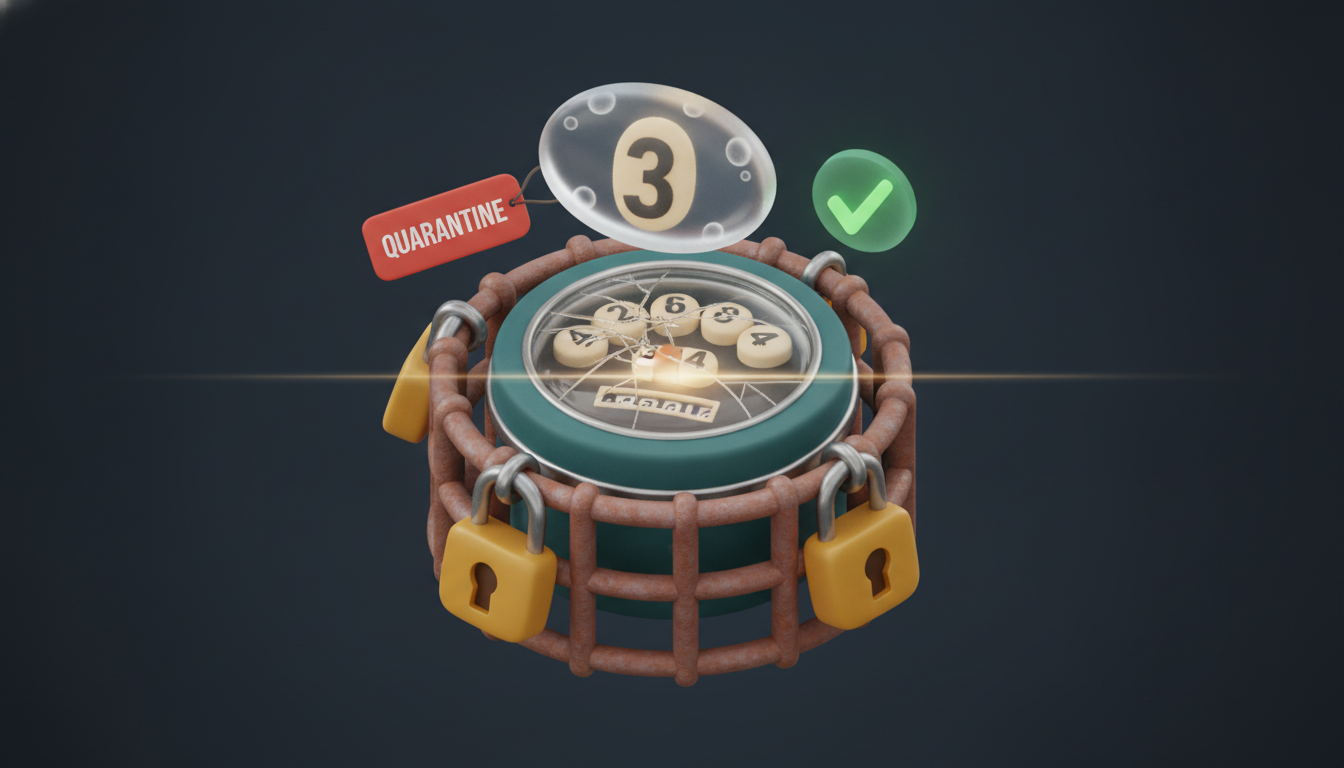
Edge AI with .NET, Part 3: Vision OCR You Can Actually Trust
Reading utility meter digits with a vision model is a solved demo and an unsolved production problem. This article covers prompt design, image detail costs, the documented failure modes that matter, and the validation layer that makes a GPT-6-Astra reading safe to persist.
The Gap Between Demo and Production
Reading an analog power meter with a vision model takes about twenty lines of C#. Getting a reading you can actually write to a time-series database takes considerably more. The demo is easy because you pick a clean, well-lit image and the model returns the right number. Production is hard because real meters have glare, dirty lenses and half turned digits, and the model never says "I am not sure." It confidently returns a plausible number instead.
Research confirms this is not a theoretical concern. A May 2026 study (arxiv:2605.16409) documented that VLMs including GPT-class models frequently hallucinate text, omit tokens, or autocomplete partially visible text under degraded visual conditions. The specific failure mode for meter reading is autoregressive completion: the model sees enough of a digit shape to predict what it statistically should be and returns that prediction without flagging uncertainty. A July 2025 EPFL benchmark (arxiv:2507.01955) covering GPT-4o, Gemini 2.0 Flash, Claude 3.5 Sonnet, and others found hallucinated objects and input-output misalignment across all tested models.
The engineering response is not to abandon vision OCR. It is to build a validation layer that catches the failures before they corrupt your data.
Prompt Design and Image Detail
What the Prompt Needs to Say
For digit reading, vague prompts produce vague results. The prompt needs to name the display type, specify the expected digit count, and explicitly instruct the model to report failure rather than guess:
You are reading a utility meter display. The display shows exactly 5 numeric digits
with no decimal point. Return ONLY the 5-digit reading as a JSON object with a single
field \"reading\". If any digit is unclear, partially obscured, or you are not confident,
return {\"reading\": null} instead of guessing. Do not infer or complete digits.
The null-on-uncertainty instruction matters. Without it, the model defaults to completion mode. With it, you still get hallucinations under severe degradation, but the rate drops meaningfully.
Image Detail Level and What It Costs
This is the cost decision that matters most before you write any code. The OpenAI vision API exposes two explicit detail levels:
detail: low. Always 85 tokens flat, image downsampled to 512×512. Usable for dominant colour or shape detection. Insufficient for small numerals on a meter display.detail: high. 85 base tokens plus 170 tokens per 512×512 tile required to tile the image. Forgpt-6-astra, the tokenizer applies a 2,500-patch budget with a 1.2× multiplier. A 1024×1024 image costs ~1,229 tokens; a 2048×2048 image is capped at 1,600×1,600 and costs ~3,000 tokens.
At April 2026 pricing ($0.015/1K input tokens), a 2048×2048 meter image costs roughly $0.045 per read. At 96 reads per day per meter, that is about $4.32 per meter per day, which matters at scale. The practical answer is to resize images server-side to 1024×1024 before sending, cutting per-read token cost by more than half while retaining enough resolution for 5-digit OCR.
Critically, the vision_detail parameter defaults to auto if omitted. Do not rely on auto in production. Pin it explicitly or the model selects detail level based on image size and you lose cost predictability.
Note: GPT-4.5 costs $75/M input tokens and is not a viable option for a high-volume pipeline. o4-mini was retired from the API on February 13, 2026. Use gpt-6-astra, which is the reference model in the official OpenAI .NET docs as of June 30, 2026.
The Vision Call in C#
The OpenAI .NET SDK v2 uses the OpenAI.Chat namespace. The pattern is: construct a ChatClient, build a UserChatMessage from a ChatMessageContentPart[] array, call CompleteChatAsync.
using OpenAI.Chat;
using System.Text.Json;

public sealed class MeterVisionClient
{
    private readonly ChatClient _client;

    public MeterVisionClient(string apiKey)
    {
        _client = new ChatClient("gpt-6-astra", apiKey);
    }

    public async Task<string?> ReadMeterAsync(
        string imagePath,
        CancellationToken ct = default)
    {
        byte[] imageBytes = await File.ReadAllBytesAsync(imagePath, ct);
        var imageData = BinaryData.FromBytes(imageBytes);

        var systemPrompt = ChatMessageContentPart.CreateTextPart(
            "You are reading a utility meter display. The display shows exactly 5 " +
            "numeric digits with no decimal point. Return ONLY a JSON object with a " +
            "single field \"reading\". If any digit is unclear or you are not confident, " +
            "return {\"reading\": null} instead of guessing. Do not infer or complete digits.");

        var imagePart = ChatMessageContentPart.CreateImagePart(
            imageData,
            "image/png",
            ChatImageDetailLevel.High);  // explicit, never rely on auto

        var message = new UserChatMessage(
            new[] { systemPrompt, imagePart });

        ChatCompletion response = await _client.CompleteChatAsync(
            new[] { message },
            cancellationToken: ct);

        string rawContent = response.Content[0].Text;

        // Parse the JSON response safely
        using JsonDocument doc = JsonDocument.Parse(rawContent);
        if (doc.RootElement.TryGetProperty("reading", out JsonElement readingEl)
            && readingEl.ValueKind != JsonValueKind.Null)
        {
            return readingEl.GetString();
        }

        return null; // model reported uncertainty
    }
}
A few things worth noting: ChatImageDetailLevel.High is the enum member, do not pass a raw string. The image MIME type must match the actual encoding; sending a JPEG with "image/png" causes silent model degradation. If you are fetching images from a camera endpoint over HTTP, replace File.ReadAllBytesAsync with HttpClient.GetByteArrayAsync.
The Validation Layer
A raw model response, even a non null one, never goes straight into your data store. Every reading passes through four gates. Any failure routes to quarantine.
Gate 1: Digit Count
The model returns a string. Validate its length against the known display width, check it is all numeric, and reject leading zeros where the meter format prohibits them.
Gate 2: Monotonicity
Utility meters are cumulative. A reading lower than the last stored value is a hard failure. No exceptions. This single rule eliminates a large class of confident hallucinations.
Gate 3: Rate-of-Change Bounds
Compare the delta against a physical maximum. A domestic power meter cannot accumulate more than, say, 10 kWh between two 15-minute reads. Anything outside the plausible envelope is flagged regardless of direction.
Gate 4: Quarantine and Human Review
Any reading that fails one or more gates is written to a quarantine store, not the time-series database. The quarantine record includes the original image path, the raw model response string, the previously accepted reading, and the name of the rule that failed.
public sealed record MeterReading(string RawValue, decimal ParsedValue, DateTimeOffset Timestamp);

public sealed record QuarantineRecord(
    string ImagePath,
    string RawModelResponse,
    MeterReading? PreviousReading,
    string FailedRule,
    DateTimeOffset QuarantinedAt);

public sealed class MeterReadingValidator
{
    private const int ExpectedDigitCount = 5;
    private const decimal MaxDeltaPerInterval = 10m; // kWh per 15-minute window

    public ValidationResult Validate(
        string? rawReading,
        MeterReading? previous,
        DateTimeOffset readingTime)
    {
        if (rawReading is null)
            return ValidationResult.Quarantine("ModelReportedUncertainty");

        // Gate 1: digit count and format
        if (rawReading.Length != ExpectedDigitCount || !rawReading.All(char.IsAsciiDigit))
            return ValidationResult.Quarantine("DigitFormatInvalid");

        if (!decimal.TryParse(rawReading, out decimal parsed))
            return ValidationResult.Quarantine("ParseFailure");

        if (previous is null)
            return ValidationResult.Accept(parsed); // first reading, no history to compare

        // Gate 2: monotonicity
        if (parsed < previous.ParsedValue)
            return ValidationResult.Quarantine("MonotonicityViolation");

        // Gate 3: rate-of-change
        decimal delta = parsed - previous.ParsedValue;
        if (delta > MaxDeltaPerInterval)
            return ValidationResult.Quarantine("RateOfChangeTooHigh");

        return ValidationResult.Accept(parsed);
    }
}

public sealed class ValidationResult
{
    public bool IsAccepted { get; private init; }
    public decimal? AcceptedValue { get; private init; }
    public string? FailedRule { get; private init; }

    public static ValidationResult Accept(decimal value) =>
        new() { IsAccepted = true, AcceptedValue = value };

    public static ValidationResult Quarantine(string rule) =>
        new() { IsAccepted = false, FailedRule = rule };
}
The FailedRule string is what operators see in the review queue. Specific names like MonotonicityViolation make triage fast. A review record with the original image attached is what makes the review useful. Without it an operator cannot tell whether the failure was model error, a lens problem, or a genuine meter fault.
Operational Notes
Resize before sending. A 4096×512 panoramic image costs approximately 2,458 tokens at detail: high. Most meter displays photograph well at 1024×1024 and that halves your cost versus sending full-resolution camera output.
Log raw model responses. Even accepted readings should retain the raw JSON string in an audit column. When a hallucination slips through (it will, eventually), you need the evidence to distinguish model error from a genuine meter anomaly.
Tune rate bounds per meter class. A 15-minute window and 10 kWh ceiling suits a domestic installation. Industrial meters warrant different bounds, and the validation layer should accept those as configuration rather than constants.
Quarantine rate is a signal. If more than a few percent of reads hit quarantine for a specific meter, the problem is usually physical, a dirty lens, water ingress, or a mounting angle that creates constant glare, not model quality. Surface the quarantine rate as a health metric per device.
Vision OCR for meter reading is viable in production. The failure modes are real and documented, but they are bounded and catchable. The validation layer is not optional overhead; it is the feature that turns a demo into a system you can operate.
Sources
Keep reading

October 23, 2026 · 8 min
Function Calling in C#: Building Tools Your AI Agent Can Call
Function calling turns a chatbot into an agent. A working C# agent loop with the official Anthropic SDK 13: tool definitions, parallel tool calls, structured errors, an EF Core dispatcher and the production concerns, all compiled and run.
Read
October 6, 2026 · 7 min
Hybrid Retrieval in C#: Combining Vector Search, Graph Traversal, and Reranking for Agent Memory
Vector search finds candidate entry points; graph traversal expands context around them; a cross-encoder reranker decides what actually reaches the model. This article implements that full pipeline in C# with real token budgets, RRF fusion, and deduplication.
Read
September 19, 2026 · 6 min
Building an Agentic System in .NET, Part 2: Writing an MCP Server in C#
How to expose your own tools to any AI agent by building a Model Context Protocol server in C# with the official ModelContextProtocol SDK v2.2.0. Tool design, input validation, context window budgeting, and the naming mistakes that make models misuse your tools silently.
Read