
Function Calling in C#: Building Tools Your AI Agent Can Call
Function calling turns a chatbot into an agent. A working C# agent loop with the official Anthropic SDK 13: tool definitions, parallel tool calls, structured errors, an EF Core dispatcher and the production concerns, all compiled and run.
The gap between a chatbot and an agent is function calling. Without it, the model can only generate text, so you have to parse that text, guess the intent and hope the format holds. With function calling, the model emits a structured call: a tool name and arguments that match a schema you gave it. Your code runs it, the model sees the result and continues. That loop is the engine behind every serious agentic application.
This article builds that loop in C# with the official Anthropic SDK: defining a tool, running the loop, dispatching to real code, handling failures, and the production concerns around it. All the code here was compiled and run against Anthropic 13.2.0 and a PostgreSQL 18 database.
What Function Calling Actually Is
In the Messages API, tool use is part of the message exchange, not a side channel. When the model decides to call a tool, the response has stop_reason: "tool_use" and one or more tool_use content blocks. Each block has an id, a tool name and a JSON input that follows the schema you provided.
Your application runs the tool, locally, against a database or an internal API, and sends the outcome back as a tool_result block in the next user message. The model continues from there, maybe calling more tools, until it returns stop_reason: "end_turn" with a final answer.
This beats parsing text for three reasons. The input comes as structured JSON shaped by your schema, not as prose you have to regex. Failures are part of the protocol: you return an error result and the model can reason about it and try again. And the model can ask for several tools in one turn, which you can run in parallel.
Setting Up: The SDK
Since version 10, the Anthropic package on NuGet is the official Claude SDK for C#, from anthropics/anthropic-sdk-csharp. Versions 3.x and below of that package name were the community tryAGI SDK, which now lives at tryAGI.Anthropic. If a project has an old Anthropic reference, check which one it is before you copy any code, because the APIs are completely different.
dotnet add package AnthropicThe SDK models the API closely. Content blocks are union types (ContentBlock wraps a TextBlock, a ToolUseBlock and so on, and you reach the concrete block through .Value), and MessageParam accepts a UserMessageParam or an AssistantMessageParam. That's more ceremony than a hand-written client, but the compiler tells you when you build a message the API would reject.
You could use Semantic Kernel or Microsoft.Extensions.AI here instead. For learning the loop, or debugging a tool that isn't being called, it's worth being close to the wire first. Layering an abstraction on top is easy once you know what it sends.
Defining a Tool in C#
A tool has a name, a description and a JSON Schema for its input. The description isn't documentation for people. It's what the model reads to decide whether and when to call the tool, and vague descriptions lead to missed or wrong calls.
var getOrderTool = new Tool
{
    Name = "get_order_details",
    Description = """
        Retrieves the current status, line items, and shipping information for a
        specific customer order. Use this when the user asks about order status,
        delivery dates, or what items are in an order.
        """,
    InputSchema = new InputSchema
    {
        Properties = new Dictionary<string, JsonElement>
        {
            ["order_id"] = JsonSerializer.SerializeToElement(new
            {
                type = "string",
                description = "The order identifier, e.g. ORD-20261234"
            }),
            ["include_line_items"] = JsonSerializer.SerializeToElement(new
            {
                type = "boolean",
                description = "Whether to include individual line items in the response"
            })
        },
        Required = ["order_id"]
    }
};
MessageCreateParams.Tools takes a list of ToolUnion, because the same list also holds Anthropic's built-in tools. A Tool converts to it implicitly, so [getOrderTool] works.
The Agentic Loop in C#
The loop is simple in concept and easy to get wrong. The two common mistakes: handling only the first tool_use block when the model asked for several, and sending the results back in separate messages. The API expects one user message that contains a tool_result for every tool_use id of the previous turn.
using System.Text.Json;
using Anthropic;
using Anthropic.Models.Messages;

public static class AgentLoop
{
    public static async Task<string> RunAgentLoopAsync(
        AnthropicClient client,
        string userMessage,
        IReadOnlyList<ToolUnion> tools,
        Func<string, IReadOnlyDictionary<string, JsonElement>, CancellationToken, Task<object>> dispatcher,
        CancellationToken ct = default)
    {
        var messages = new List<MessageParam>
        {
            new UserMessageParam { Content = userMessage }
        };

        const int maxTurns = 10; // guard against infinite loops
        for (int turn = 0; turn < maxTurns; turn++)
        {
            var response = await client.Messages.Create(new MessageCreateParams
            {
                Model = "claude-sonnet-5-5",
                MaxTokens = 4096,
                Tools = tools,
                Messages = messages
            }, ct);

            // Send the assistant turn back as it came, tool_use blocks included
            messages.Add(new AssistantMessageParam
            {
                Content = response.Content.Select(ToParam).ToList()
            });

            if (response.StopReason == StopReason.EndTurn)
            {
                return string.Concat(response.Content
                    .Select(block => block.Value)
                    .OfType<TextBlock>()
                    .Select(text => text.Text));
            }

            if (response.StopReason != StopReason.ToolUse)
                throw new InvalidOperationException($"Unexpected stop_reason: {response.StopReason}");

            // Fan-out: execute all tool_use blocks in parallel
            var toolUseBlocks = response.Content
                .Select(block => block.Value)
                .OfType<ToolUseBlock>()
                .ToList();

            var resultTasks = toolUseBlocks.Select(async block =>
            {
                try
                {
                    using var cts = CancellationTokenSource.CreateLinkedTokenSource(ct);
                    cts.CancelAfter(TimeSpan.FromSeconds(30)); // per-tool timeout

                    var result = await dispatcher(block.Name, block.Input, cts.Token);
                    return new ToolResultBlockParam
                    {
                        ToolUseID = block.ID,
                        Content = JsonSerializer.Serialize(result)
                    };
                }
                catch (Exception ex)
                {
                    // Return a structured error, do NOT throw, let the model recover
                    return new ToolResultBlockParam
                    {
                        ToolUseID = block.ID,
                        Content = JsonSerializer.Serialize(new { error = ex.Message }),
                        IsError = true
                    };
                }
            });

            var toolResults = await Task.WhenAll(resultTasks);

            // All results go back in one user message, one block per tool_use id
            messages.Add(new UserMessageParam
            {
                Content = toolResults.Select(r => (ContentBlockParam)r).ToList()
            });
        }

        throw new InvalidOperationException("Agent exceeded maximum turn limit without reaching end_turn.");
    }

    static ContentBlockParam ToParam(ContentBlock block) => block.Value switch
    {
        TextBlock text => new TextBlockParam { Text = text.Text },
        ToolUseBlock use => new ToolUseBlockParam { ID = use.ID, Name = use.Name, Input = use.Input },
        _ => throw new NotSupportedException($"Block type {block.Value?.GetType().Name} is not sent back here")
    };
}
A few details that matter:
- The assistant turn goes back in the history. The response is a
MessagewithContentBlocks, but the request needsContentBlockParams, soToParamconverts the text andtool_useblocks. Without them, thetool_resultids in the next message refer to calls the API has never seen. If you turn on extended thinking, the thinking blocks have to go back as well, andToParamneeds a case for them. - The error JSON is serialized, not concatenated. An exception message with a quote in it would otherwise produce invalid JSON in the tool result.
- The per-tool timeout uses a linked
CancellationTokenSource. A tool that hangs, because a downstream API is slow or a query has no index, would otherwise block the whole turn.
We ran this loop against a local server that answered in the Messages API format: a first response with two tool_use blocks, one for get_order_details and one for a tool that doesn't exist, then an end_turn. The second request carried the assistant turn with both tool_use blocks, followed by one user message with two tool_result blocks. The unknown tool came back with "is_error": true instead of crashing the loop.
Doing It Well: Validation, Errors, and Idempotency
The model follows your schema well, but the input is still untrusted. Validate order_id before it reaches the database, and apply a default when an optional field like include_line_items is missing.
When something goes wrong, return a result the model can reason about: "Order ORD-99999999 not found" is actionable, "NullReferenceException at line 42" isn't. The model will often retry with corrected arguments or explain the failure to the user.
Idempotency matters as soon as you have write tools. If the model retries cancel_order because a timeout made the first result unclear, the handler has to be safe to call twice. Design write tools with idempotency keys or check-then-act semantics from the start. Retrofitting that is painful.
Real Tools: Querying a Database
Here's a dispatcher that routes tool names to typed handlers, including an EF Core query:
public class OrderToolDispatcher
{
    private readonly OrderDbContext _db;
    private readonly ILogger<OrderToolDispatcher> _logger;

    public OrderToolDispatcher(OrderDbContext db, ILogger<OrderToolDispatcher> logger)
    {
        _db = db;
        _logger = logger;
    }

    public async Task<object> DispatchAsync(
        string toolName, IReadOnlyDictionary<string, JsonElement> input, CancellationToken ct)
    {
        _logger.LogInformation("Executing tool {ToolName} with input {Input}",
            toolName, JsonSerializer.Serialize(input));

        return toolName switch
        {
            "get_order_details" => await GetOrderDetailsAsync(
                input.TryGetValue("order_id", out var id) ? id.GetString() ?? "" : "",
                input.TryGetValue("include_line_items", out var ilv)
                    && ilv.ValueKind == JsonValueKind.True,
                ct),
            _ => throw new NotSupportedException($"Unknown tool: {toolName}")
        };
    }

    private async Task<object> GetOrderDetailsAsync(
        string orderId, bool includeLineItems, CancellationToken ct)
    {
        if (!Regex.IsMatch(orderId, @"^ORD-\d{8}$"))
            return new { error = "Invalid order_id format. Expected ORD- followed by 8 digits." };

        IQueryable<Order> query = _db.Orders.AsNoTracking();
        if (includeLineItems)
            query = query.Include(o => o.LineItems);

        var order = await query.FirstOrDefaultAsync(o => o.OrderId == orderId, ct);

        if (order is null)
            return new { error = $"Order {orderId} not found." };

        return new
        {
            order_id = order.OrderId,
            status = order.Status.ToString(),
            estimated_delivery = order.EstimatedDelivery?.ToString("yyyy-MM-dd"),
            line_items = includeLineItems
                ? order.LineItems.Select(li => new { li.Sku, li.Quantity, li.UnitPrice })
                : null
        };
    }
}
Two things in it are easy to get wrong:
- A conditional
Includehas to be built outside the lambda.Include(o => includeLineItems ? o.LineItems : null)looks reasonable and compiles, but EF Core throwsInvalidOperationExceptionat runtime, because the include path must be a plain navigation. Add theIncludeto the query only when you need it. inputis a dictionary ofJsonElement. That's what the SDK'sToolUseBlock.Inputgives you. Read optional fields withTryGetValue, and checkValueKindinstead of callingGetBoolean(), which throws if the model sent the value as a string.
Return anonymous objects or DTOs, which serialize cleanly. Don't leak entity graphs or stack traces into tool results.
Safety and Production Concerns
Least-privilege tools. Each tool should do one thing with only the permissions it needs. A read-only get_order_details tool should connect with a read-only database credential. Don't give a query tool a connection string that can write.
Authentication. Tools run in the context of your application, not the user's session. If your internal API needs a service token, inject it through DI when the tool is registered, and never let it flow through the tool schema or the conversation.
Log every dispatch. You need to know which tools the model called, with which inputs, how long they took and whether they succeeded. Structure those logs (tool name, duration, success or error) so you can alert on anomalies.
Cost. Every tool result goes back into the context window. A tool that returns 50 KB of JSON burns tokens on every later turn. Return the minimum useful data, and if the full result is large, offer a summary tool and a detail tool the model can call selectively.
Human approval for risky actions. For any tool that sends an email, charges a card, cancels an order or changes production data, put a human in the loop. A practical pattern: the tool returns {"status": "pending_approval", "approval_id": "..."}, the agent tells the user, and the action only runs after someone confirms.
Show the model good inputs. The SDK's Tool type also has an InputExamples property, where you can give a few realistic argument sets. For tools with a strict format, like the ORD- ids here, that's a way to show the format instead of only describing it.
Wrapping Up
Building real agentic .NET applications is engineering, not magic. The pieces that get you to a production-ready agent are the ones in this article: the official Anthropic SDK, a tool schema written for the model, a bounded loop that returns every result in one message, structured error results, per-tool timeouts and handlers that are safe to call twice. The rest is domain work: which tools your system actually needs to expose, and which invariants they have to keep.
Sources
- Support Anthropic Code Execution 2026-01-20 tool (code_execution_20260120) · Issue #12794 · vercel/ai
- Introducing advanced tool use on the Claude Developer Platform \ Anthropic
- NuGet Gallery | Anthropic.SDK 5.10.0
- GitHub - anthropics/anthropic-tools · GitHub
- GitHub - tryAGI/Anthropic: C# SDK for the Anthropic API -- Claude chat completions, tool calling, and vision · GitHub
- Tool use with Claude - Claude Platform Docs
- NuGet Gallery | Anthropic.SDK 4.3.0
- C# SDK - Claude Platform Docs
Keep reading

October 6, 2026 · 7 min
Hybrid Retrieval in C#: Combining Vector Search, Graph Traversal, and Reranking for Agent Memory
Vector search finds candidate entry points; graph traversal expands context around them; a cross-encoder reranker decides what actually reaches the model. This article implements that full pipeline in C# with real token budgets, RRF fusion, and deduplication.
Read
October 5, 2026 · 6 min
Edge AI with .NET, Part 3: Vision OCR You Can Actually Trust
Reading utility meter digits with a vision model is a solved demo and an unsolved production problem. This article covers prompt design, image detail costs, the documented failure modes that matter, and the validation layer that makes a GPT-6-Astra reading safe to persist.
Read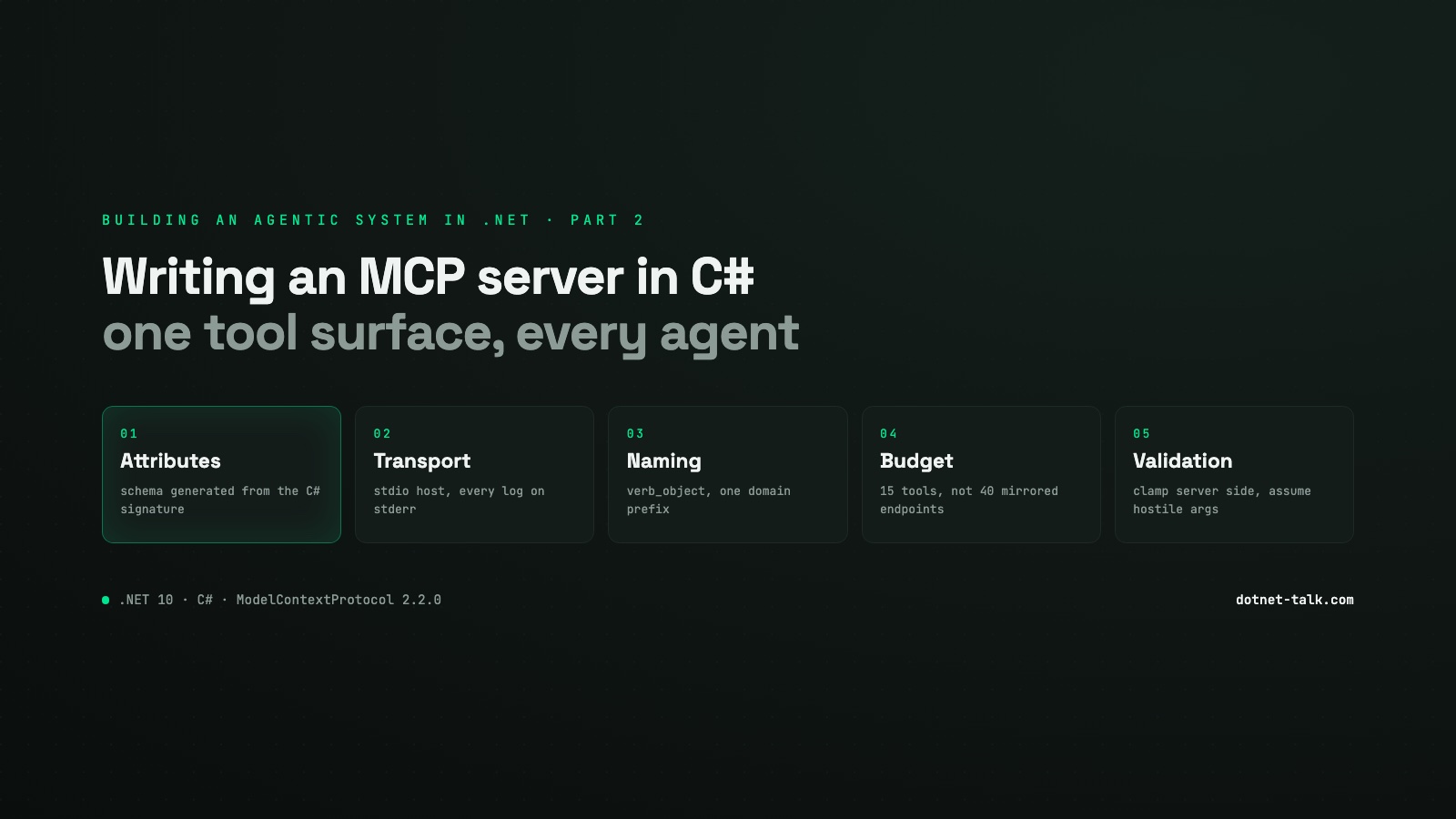
September 19, 2026 · 6 min
Building an Agentic System in .NET, Part 2: Writing an MCP Server in C#
How to expose your own tools to any AI agent by building a Model Context Protocol server in C# with the official ModelContextProtocol SDK v2.2.0. Tool design, input validation, context window budgeting, and the naming mistakes that make models misuse your tools silently.
Read