Edge AI with .NET, Part 1: Integrating a 1975 Power Meter That Has No API
A 50-year-old Ferraris disc meter has no network port, no pulse output, and no protocol. Here's how to build a complete integration stack around a camera, a .NET 10 minimal API, and TimescaleDB when the only interface is a photograph.
The Problem: A Meter That Predates APIs by Half a Century
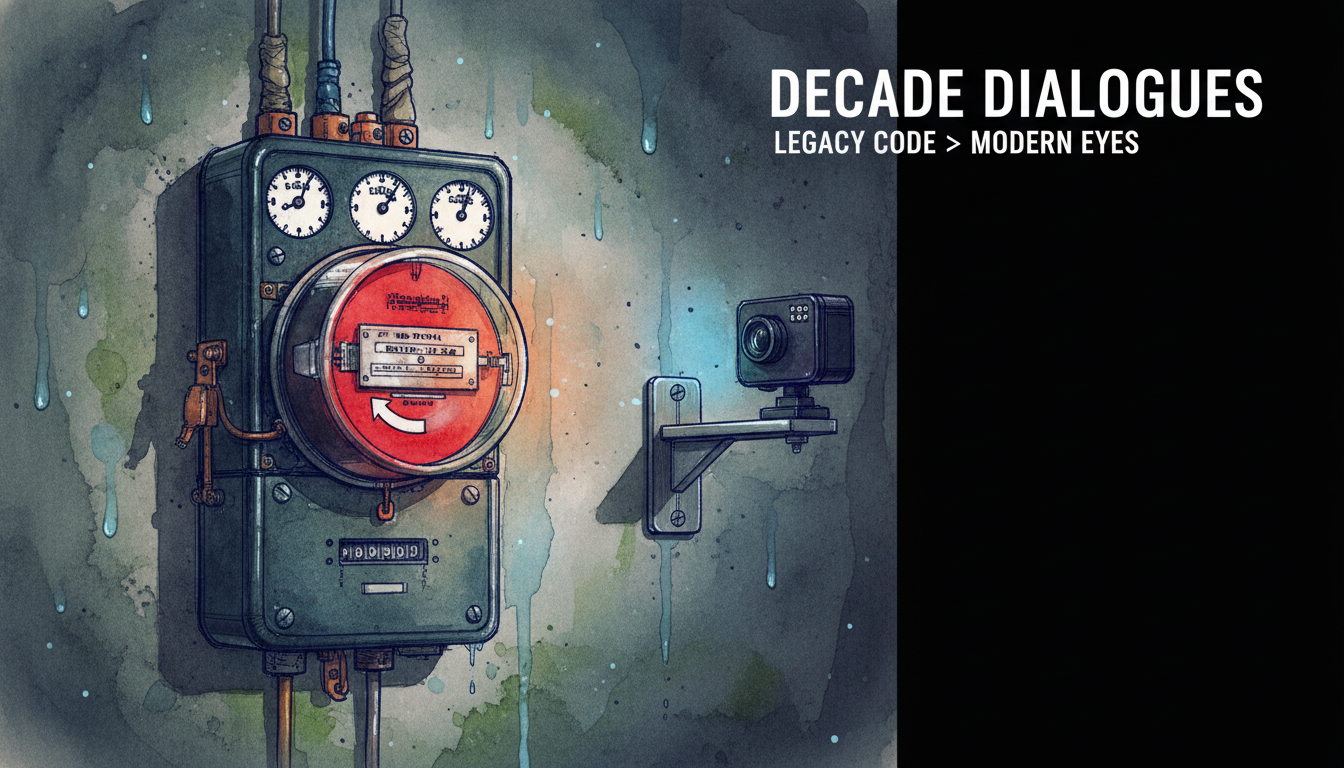
The power meter in the basement counts 98,697 kWh. It has done so since 1975, behind a plastic cover, with two rotating dials and a red Ferraris disc spinning at a rate proportional to current draw. It is accurate. It is reliable. And it offers absolutely nothing a software system can talk to.
This is not an unusual situation in German housing stock. The Marktstammdatenregister rollout of smart meters has been slow, legally contested, and largely limited to new construction or high-consumption sites. Older residential meters, the mechanical Ferraris type, have no optical interface in their standard consumer form, no pulse output, and no infrared port. The landlord prohibits modification. You cannot clamp on a pulse counter. You cannot replace the meter without utility approval.
The integration layer, therefore, becomes a camera.
This article walks through the decision and the architecture: why camera OCR is the right call, how the M5Stack Timer Camera X handles the sensing side, and specifically how the .NET 10 ingestion service is designed so that a battery-powered device with a hard timeout never loses a reading to server-side latency.
Why OCR Won the Design Decision
Before building anything, the alternatives deserve a real evaluation:
- Smart meter swap: requires utility coordination, landlord approval, and a wait time measured in years in most German municipalities.
- Ferraris disc pulse counting: the disc has a reflective mark, but consumer-grade Ferraris meters don't expose an optical sensor port. Clamping a photodiode to the outside of the plastic cover is mechanically unreliable and landlord-prohibited.
- Current clamp (CT sensor): measures power draw in real time but gives you watts, not the cumulative kWh figure the meter itself tracks. Integrating over time introduces drift, and the clamp still needs physical installation.
- Manual logging: a human opens an app and types numbers. Error-prone, forgotten, useless for sub-hourly resolution.
Camera OCR is the only path that is non-invasive, non-destructive, and completely reversible. You mount a camera with a suction cup or a 3D-printed bracket, point it at the digit display, and let the server handle the interpretation. The meter itself is untouched.
Architecture Overview
The stack has four components:
- M5Stack Timer Camera X. An ESP32 based camera module with a 3-megapixel OV3660 sensor, 8 MB PSRAM, a 140 mAh internal battery, and a BM8563 RTC that generates a wake signal on a schedule. It sleeps at under 10 μA, wakes, captures a JPEG, POSTs it over Wi-Fi, then returns to deep sleep.
- .NET 10 minimal API ingestion service. Receives the multipart upload, authenticates, stores the image, returns
202 Accepted, and enqueues OCR work asynchronously. - TimescaleDB 2.27.0 (on PostgreSQL 16). Stores parsed readings as a hypertable partitioned by timestamp. Continuous aggregates materialise hourly and daily rollups automatically.
- Next.js dashboard. Reads from TimescaleDB via a thin query API and renders consumption graphs.
Parts 2 and 3 of this series cover the OCR pipeline and the TimescaleDB schema in detail. This article focuses on the ingestion endpoint and the reasoning behind its deliberate minimalism.
The Battery Constraint Drives Everything
The Timer Camera X has a 140 mAh battery. During active operation, meaning Wi-Fi association, TCP handshake, JPEG capture and HTTP POST, it draws somewhere between 180 and 250 mA. That gives roughly 30 to 45 minutes of continuous active time before the battery is exhausted. The device must deep-sleep between readings; the claimed battery life of over one month assumes one capture per hour at standby current under 10 μA.
This creates a hard constraint on the server. The ESP32 HTTP client has a connection timeout. If the server blocks, by doing OCR synchronously, writing to the database or calling an external vision API, and that blocking exceeds the timeout, the device closes the connection and goes back to sleep. The image is lost. The wake cycle, which cost battery, produced nothing.
The ingestion endpoint must therefore do exactly three things synchronously:
- Authenticate the request.
- Read the multipart body and persist the raw image.
- Return
202 Accepted.
Everything else, OCR, parsing and database writes, happens in a background worker after the response is sent.
The /upload Endpoint in .NET 10
.NET 10 (10.0.11 LTS, supported through November 2028) brings meaningful improvements to the minimal API pipeline: static pipeline analysis, faster endpoint selection, and lower tail latency compared to earlier releases. These are not theoretical. For a battery device that needs a server response under 100 ms, keeping the hot path lean pays off directly.
Here is the upload endpoint:
using System.Threading.Channels;
using Microsoft.AspNetCore.Http.Features;

var builder = WebApplication.CreateBuilder(args);

// Channel for background OCR work
var imageChannel = Channel.CreateBounded<string>(new BoundedChannelOptions(512)
{
    FullMode = BoundedChannelFullMode.DropOldest
});

builder.Services.AddSingleton(imageChannel.Reader);
builder.Services.AddSingleton(imageChannel.Writer);
builder.Services.AddHostedService<OcrWorker>();

// Raise the multipart body size limit for 3MP JPEGs
builder.Services.Configure<FormOptions>(options =>
{
    options.MultipartBodyLengthLimit = 8 * 1024 * 1024; // 8 MB ceiling
});

var app = builder.Build();

app.MapPost("/upload", async (
    HttpContext ctx,
    ChannelWriter<string> writer,
    IConfiguration config,
    CancellationToken ct) =>
{
    // 1. Basic Auth check (adequate on a local LAN; add TLS at ingress for WAN)
    if (!ctx.Request.Headers.TryGetValue("Authorization", out var authHeader) ||
        !IsValidBasicAuth(authHeader!, config["Upload:Credentials"]!))
    {
        return Results.Unauthorized();
    }

    // 2. Read the multipart body
    if (!ctx.Request.HasFormContentType)
        return Results.BadRequest("Expected multipart/form-data");

    var form = await ctx.Request.ReadFormAsync(ct);
    var file = form.Files.GetFile("image");

    if (file is null || file.Length == 0)
        return Results.BadRequest("No image in form field 'image'");

    // Save raw bytes; filename carries the device ID and a UTC tick timestamp
    var storagePath = config["Upload:StoragePath"] ?? "/var/meter-images";
    var fileName = $"{DateTimeOffset.UtcNow.ToUnixTimeMilliseconds()}_{file.FileName}";
    var fullPath = Path.Combine(storagePath, fileName);

    await using var fs = File.Create(fullPath);
    await file.CopyToAsync(fs, ct);

    // 3. Enqueue the path for the background OCR worker, do NOT await it
    await writer.WriteAsync(fullPath, ct);

    // Return immediately, the ESP32 gets its 202 and goes back to sleep
    return Results.Accepted();
})
.WithName("UploadMeterImage")
.DisableAntiforgery();

app.Run();

static bool IsValidBasicAuth(string header, string expectedCredentials)
{
    if (!header.StartsWith("Basic ", StringComparison.OrdinalIgnoreCase))
        return false;

    try
    {
        var decoded = System.Text.Encoding.UTF8.GetString(
            Convert.FromBase64String(header["Basic ".Length..].Trim()));
        return decoded == expectedCredentials; // format: "user:password"
    }
    catch
    {
        return false;
    }
}
Notice what is absent from the handler body: no OCR call, no database write, no downstream HTTP call, no await Task.Delay. The handler reads bytes and writes a file path to a System.Threading.Channels bounded channel. The OcrWorker, an IHostedService, drains that channel on its own.
The BoundedChannelOptions with DropOldest is intentional. If the OCR worker falls behind (a slow vision API, a cold container), older readings are sacrificed rather than letting the channel grow unbounded and consuming memory.
The Background OCR Worker Shell
Structurally the worker is simple. The vision integration itself is the subject of Part 2.
public sealed class OcrWorker(ChannelReader<string> reader, ILogger<OcrWorker> logger)
    : BackgroundService
{
    protected override async Task ExecuteAsync(CancellationToken stoppingToken)
    {
        await foreach (var imagePath in reader.ReadAllAsync(stoppingToken))
        {
            try
            {
                // Part 2: call vision OCR, parse kWh digits, write to TimescaleDB
                logger.LogInformation("Processing image: {Path}", imagePath);
                await ProcessImageAsync(imagePath, stoppingToken);
            }
            catch (Exception ex)
            {
                // Log and continue, a failed reading should not kill the worker
                logger.LogError(ex, "OCR processing failed for {Path}", imagePath);
            }
        }
    }

    private static Task ProcessImageAsync(string path, CancellationToken ct)
    {
        // Stub, the vision pipeline is covered in Part 2
        return Task.CompletedTask;
    }
}
The await foreach over ReadAllAsync handles cancellation cleanly on shutdown. Errors on a single image are caught and logged without stopping the loop, because a corrupted JPEG or a transient API failure should not take the worker down for every reading after it.
TimescaleDB as the Time-Series Store
TimescaleDB 2.27.0 (released May 2026, requiring PostgreSQL 16 or higher, since PostgreSQL 15 support was dropped in June 2026) is the right database for this workload. A power meter produces a narrow, time-ordered stream of readings. TimescaleDB's hypertable partitioning handles this automatically, and continuous aggregates let you define hourly and daily rollups in SQL without any application-level cron job.
For a meter sampled once per hour the default 7-day chunk interval is fine. If you ever reduce the interval to 1-minute resolution, tune chunk_time_interval explicitly to avoid chunk proliferation.
The v2.26 release introduced a roughly 3.5× speedup on analytical queries using time_bucket() in grouping expressions, via an expanded vectorised columnar query path. Dashboard queries that compute daily consumption from hourly readings benefit directly.
Practical Notes Before Part 2
Hardware firmware: use the ESP-IDF or Arduino framework for the Timer Camera X. As of mid 2025 there is no working CircuitPython camera support for this module. Using espcamera under CircuitPython produces initialisation errors.
Image size vs. timeout: at maximum resolution (2048 × 1536) a JPEG from the OV3660 can exceed 1 MB. The FormOptions.MultipartBodyLengthLimit in the code above is set to 8 MB, which is safe headroom. If your digits are readable at a lower resolution, reduce it on the device side. Smaller payloads mean faster uploads and less battery used per cycle.
TLS: Basic Auth over plain HTTP is acceptable on an isolated home LAN segment. If the upload travels over a public network or even a shared Wi-Fi, terminate TLS at a reverse proxy (Caddy or nginx) in front of the .NET service. Do not do TLS termination in the Kestrel process on a resource-constrained deployment unless you have spare CPU budget.
Docker image pinning: pin the base image explicitly, mcr.microsoft.com/dotnet/aspnet:10.0.11, rather than 10.0 or latest. .NET 10 ships monthly patch releases; a floating tag can silently pull a new runtime into production.
OpenAPI: .NET 10 defaults to OpenAPI 3.1. If you add Swagger UI, use Swashbuckle 5.x or switch to the new Microsoft.AspNetCore.OpenApi package. Older Swashbuckle versions cannot handle the 3.1 schema output.
Part 2 covers the OCR pipeline: sending the stored JPEG to a vision model, extracting and validating the kWh digit string, and writing a verified reading row into TimescaleDB with confidence metadata attached.
Sources
- New in .NET 10 and C# 14: Enhancements in APIs Request/Response Pipeline
- What’s New with APIs in .NET 10: Real Improvements
- .NET
- Minimal APIs in ASP.NET Core .NET 10 - Routing, Binding & Validation
- ASP.NET Core
- core/release-notes/10.0/README.md at main · dotnet/core
- Tutorial: Create a Minimal API with ASP.NET Core | Microsoft Learn
- Dapr
Keep reading
October 5, 2026 · 7 min
Edge AI with .NET, Part 4: Time Series That Outlives the Hardware
Sensor readings are more valuable than the devices that produce them. This instalment shows how to model IoT meter data in TimescaleDB 2.29, map it with EF Core 10, and run a .NET anomaly-detection worker that survives meter swaps, tariff changes, and dead cameras.
Read
October 18, 2026 · 8 min
The Narrow Sidewalk: Where Developers Stand When Agents Write the Code
Agents write much of the code now, and that is not going back. But green checks can still hide wrong meaning, and someone has to know what correct code looks like. Here is the narrow path between writing every line and writing none, with tested C#.
Read
October 5, 2026 · 6 min
Edge AI with .NET, Part 3: Vision OCR You Can Actually Trust
Reading utility meter digits with a vision model is a solved demo and an unsolved production problem. This article covers prompt design, image detail costs, the documented failure modes that matter, and the validation layer that makes a GPT-6-Astra reading safe to persist.
Read