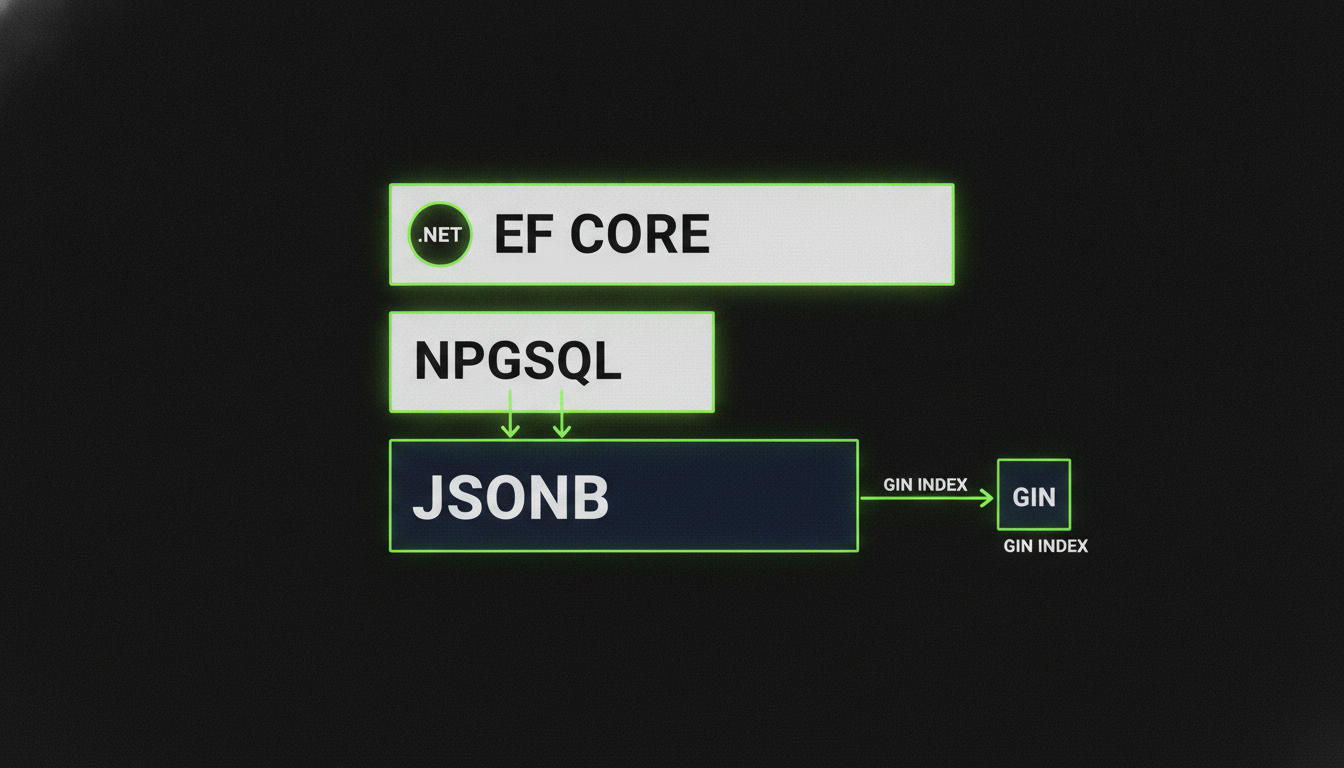
PostgreSQL jsonb with EF Core 10: Mapping, Indexing and Querying Document Columns
Mapping PostgreSQL jsonb with EF Core 10 complex types, run against PostgreSQL 18: what LINQ translates to, which indexes the planner actually uses, the traps (JsonContains, null keys, virtual columns) and when jsonb beats a separate table.
The Problem Worth Solving
You have a Product entity with fifteen optional specification fields. Half of them are null for most rows. Adding a new field means a migration. Querying by any combination of them means either a bloated WHERE clause or an EAV table that turns into a JOIN nightmare. PostgreSQL's jsonb column exists for exactly this case, and EF Core 10 with Npgsql.EntityFrameworkCore.PostgreSQL 10 maps it as a real part of the model.
This article covers the mapping, what LINQ translates to, which indexes the planner actually uses, and when a jsonb column beats a separate table. Every snippet here was run against PostgreSQL 18 with Npgsql.EntityFrameworkCore.PostgreSQL 10.0.3, and a few things that look obvious turned out not to work. Those are called out where they come up.
Mapping: Complex Types with ToJson()
In EF Core 10 the recommended approach is to map a .NET complex type to a jsonb column with ComplexProperty(...).ToJson(). EF knows the structure of the document, so it can translate property access in LINQ into PostgreSQL JSON operators and it tracks changes to the document.
// Domain types
public record ProductSpecs(string? CPU, int? RamGB, string? FormFactor, decimal? WeightKg);

public class Product
{
    public int Id { get; set; }
    public string Name { get; set; } = default!;
    public decimal Price { get; set; }
    public string Category { get; set; } = default!;  // normalised column, queried constantly
    public ProductSpecs Specs { get; set; } = default!; // goes into jsonb
}

// DbContext configuration
protected override void OnModelCreating(ModelBuilder modelBuilder)
{
    modelBuilder.Entity<Product>(b =>
    {
        b.ToTable("products");
        b.Property(p => p.Category).HasMaxLength(100);

        // Emits: specs jsonb NOT NULL
        b.ComplexProperty(p => p.Specs, cp => cp.ToJson("specs"));
    });
}
Pass the column name to ToJson. Without it, the column is called "Specs", with a capital letter and quotes, and every piece of raw SQL you write later has to quote it. With ToJson("specs") the generated table has a plain specs jsonb NOT NULL column.
Before EF Core 10, the same thing was done with owned entities (OwnsOne(p => p.Specs, o => o.ToJson())), which had rough edges around identity and required navigations. Before EF 8, the Npgsql provider had its own POCO mapping that handed the column straight to System.Text.Json, so EF knew nothing about the document. On a current stack, use complex types.
What LINQ Translates To
Property access on the complex type is translated to the ->> operator, with a cast when the property isn't a string:
| LINQ expression | Generated SQL |
|---|---|
p.Specs.CPU == "Intel i9" |
p.specs ->> 'CPU' = 'Intel i9' |
p.Specs.RamGB > 16 |
CAST(p.specs ->> 'RamGB' AS integer) > 16 |
That's convenient, and it matters for indexing, which is the next section.
What doesn't translate is the containment and existence family. EF.Functions.JsonContains, JsonExists and JsonExistAny work on columns mapped as a string or a JsonDocument, but on a complex type mapped with ToJson(), EF 10 throws "could not be translated". For those operators, write the condition in SQL with FromSql and keep composing in LINQ:
// Containment and existence: raw SQL over the mapped entity
var cpu = """{"CPU": "Intel i9"}""";
var highEnd = await db.Products
    .FromSql($"SELECT * FROM products WHERE specs @> {cpu}::jsonb")
    .ToListAsync();

// FromSql composes with LINQ: EF wraps the raw SQL as a subquery
var cheapHighEnd = await db.Products
    .FromSql($"SELECT * FROM products WHERE specs @> {cpu}::jsonb")
    .Where(p => p.Price < 2500)
    .OrderBy(p => p.Price)
    .ToListAsync();
The interpolated {cpu} becomes a parameter, not string concatenation, so this is safe.
One trap with existence checks: EF writes every property of the record into the document, including the null ones. A product with no form factor is stored as {"FormFactor": null, ...}, so specs ? 'FormFactor' is true for every row. If you mean "has a value", test the value:
SELECT * FROM products WHERE specs->>'FormFactor' IS NOT NULL;Indexing: The Part Most Teams Get Wrong
EF Core doesn't create any index on a JSON column for you, and you can't add one through the model either. b.HasIndex(p => p.Specs) fails when the model is built, because Specs is a complex property. Create the indexes in a migration with migrationBuilder.Sql(...).
GIN with jsonb_ops (Default)
Supports @>, ?, ?| and ?&. The general-purpose choice when you query many different keys with those operators.
CREATE INDEX idx_product_specs_gin ON products USING gin (specs);GIN with jsonb_path_ops
For workloads that are almost all containment (@>), jsonb_path_ops gives a smaller and faster index than the default. It doesn't support the existence operators (?, ?|, ?&).
CREATE INDEX idx_product_specs_pathops ON products
    USING gin (specs jsonb_path_ops);
Expression B-Tree for What LINQ Generates
Here is the catch: a GIN index only serves the containment and existence operators. The ->> comparisons that LINQ generates can't use it. We checked the plans with sequential scans disabled: specs @> '{"CPU": "Intel i9"}' used the GIN index, while EF's p.Specs.CPU == "Intel i9" still had no index to use.
For a field you filter on through LINQ, create an expression index that matches the generated SQL. Note the three parentheses: one pair for the index column list and one around the expression, because a cast isn't allowed bare there.
CREATE INDEX idx_product_ram ON products
    (((specs->>'RamGB')::integer));
With this index, the LINQ query p.Specs.RamGB > 16 uses an index scan on idx_product_ram. The same kind of index on (specs->>'CPU') serves the equality query.
PostgreSQL 18 makes virtual generated columns the default, which looks like a neat way to expose a JSON field as a column. They can't be indexed, though: CREATE INDEX on one fails with "indexes on virtual generated columns are not supported". For an indexed field, stay with the expression index or use a STORED generated column.
When jsonb Beats a Separate Table
The right mental model is the hybrid: core fields that appear in most queries stay as typed, normalized columns, and the flexible remainder goes into jsonb. Category and Price on Product are normalized because every product-list query filters or sorts on them. Specs is jsonb because it's sparse, varies by category and changes without schema migrations.
jsonb wins when:
- Keys are sparse or optional across rows. Per-tenant custom fields in a B2B SaaS product are the classic example. Adding a new custom field is a data change, not a migration.
- The main access pattern is containment or existence, not aggregation.
SUM((specs->>'WeightKg')::numeric)across millions of rows isn't whatjsonbis built for. - The shape changes independently of the core schema. Event payloads, product specifications by category, configuration blobs.
- You want to avoid an EAV table. An EAV table with a string-typed value column loses type safety, makes multi-key filters ugly and is often slower than a GIN-indexed
jsonbcolumn for the same access pattern.
jsonb loses when a field appears in most queries in a typed, comparable way. If most of your queries filter on specs->>'Status', promote Status to a proper column.
Updates: Whole Document or One Property
SaveChanges writes the whole document. With an immutable record like ProductSpecs, changing one value means assigning a new record (p.Specs = p.Specs with { RamGB = 12 }), and EF sends UPDATE products SET specs = @p0. For small documents that's fine.
For a targeted change, EF Core 10 translates ExecuteUpdate on a property inside the document into jsonb_set, without loading the row:
await db.Products
    .Where(p => p.Id == productId)
    .ExecuteUpdateAsync(s => s.SetProperty(p => p.Specs.RamGB, 32));
The SQL it sends:
UPDATE products AS p
SET specs = jsonb_set(p.specs, '{RamGB}', to_jsonb(@p))
WHERE p."Id" = @productId
The other properties of the document are left as they were.
Practical Checklist
- Use
Npgsql.EntityFrameworkCore.PostgreSQL10 with EF Core 10, and map the document withComplexProperty(...).ToJson("specs"). - Give the column a lowercase name in
ToJson, or every raw SQL statement has to quote it. EF.Functions.JsonContainsand its relatives don't translate on a complex type. UseFromSqlfor@>and?, and compose LINQ on top.- Test values with
->> ... IS NOT NULL, because?also matches keys stored as null. - Create indexes in a migration with
migrationBuilder.Sql. GIN serves@>and?, and expression B-tree indexes serve the->>comparisons that LINQ generates. - Don't plan on indexing a virtual generated column in PostgreSQL 18. It isn't supported.
- Use
ExecuteUpdatewithSetProperty(p => p.Specs.X, ...)for single-property changes. EF 10 turns it intojsonb_set. - Always prefer
jsonboverjson, because binary storage means no reparsing on read. - Promote any field queried on most rows to a typed column. The hybrid model is the goal, not a pure document approach.
Sources
- JSON Mapping | Npgsql Documentation
- Mapping JSON | Npgsql Documentation
- JSON Support | npgsql/efcore.pg | DeepWiki
- doc/conceptual/EFCore.PG/mapping/json.md at main · npgsql/doc
- Storing JSON data in relational databases using EF Core
- EF Core and PostgreSQL: Working with JSON Data
- Deep JSON Integration: New Capabilities in EF Core 9 | by Ramazan Gunes | Medium
- Announcing the Latest dotConnect for PostgreSQL Release: Now Supporting PostgreSQL 17, .NET 9, and EF Core 9
Keep reading

October 5, 2026 · 7 min
Edge AI with .NET, Part 4: Time Series That Outlives the Hardware
Sensor readings are more valuable than the devices that produce them. This instalment shows how to model IoT meter data in TimescaleDB 2.29, map it with EF Core 10, and run a .NET anomaly-detection worker that survives meter swaps, tariff changes, and dead cameras.
Read
October 5, 2026 · 7 min
Building an Agentic System in .NET, Part 5: Designing an Agent Bus in ASP.NET Core
Design a production agent bus in ASP.NET Core 10 with EF Core, SignalR and PostgreSQL, covering agent registration, topic channels, at least once delivery, claim semantics with row level locking, and self contained hand off payloads.
Read
September 23, 2026 · 7 min
Building an Agentic System in .NET, Part 3: Durable Memory with Postgres and pgvector
Give your .NET agent a long term memory it can actually recall. Model MemoryItem in EF Core, generate embeddings with Microsoft.Extensions.AI, store them in Postgres with pgvector, and build an HNSW cosine index with a ranked recall query that blends similarity, recency and importance.
Read