Mastering Graph Traversal in ArangoDB: Building High-Performance Path Finding APIs with .NET 10
Learn how to build high-performance graph traversal APIs using ArangoDB and .NET 10. This guide covers BFS path finding with PRUNE optimization, network expansion patterns, and AQL query techniques for knowledge graphs.
Graph databases are good at one thing in particular: modelling how entities relate to each other. That makes them a natural fit for social networks, recommendation engines, knowledge graphs and fraud detection. In this article we look at ArangoDB, a multi model database that does documents and graphs in the same engine, and build a .NET 10 Web API on top of it for graph traversal.
Why Graph Databases Matter
Relational databases struggle once your queries are mostly about relationships. Finding the connection between two entities usually means several JOINs, and performance falls off as the data grows. In a graph database the relationship is a first class thing, so following it is cheap.
ArangoDB has one extra advantage. It is a multi model database, so documents, graphs and key value data live in one system. You can store rich JSON documents and traverse the relationships between them without running a second database next to it.
What We Are Building
A Knowledge Graph API that shows the patterns you will actually use:
- Path finding. Find the routes between two concepts.
- Network expansion. Explore everything reachable from a starting point.
- Full text search. Find nodes by name across collections.
The full source is on GitHub: arangodb-dotnet-graph-api
Core Graph Concepts
A few terms first, so the code makes sense:
- Vertices, also called nodes. The entities in your graph, stored as documents.
- Edges. The relationships between vertices, stored in edge collections.
- Paths. A sequence of vertices connected by edges.
- Traversal. Following edges to find connected nodes.
BFS and DFS
ArangoDB supports two traversal strategies:
- BFS, breadth first search. Visits everything at depth N before going to depth N+1, so it finds the shortest path first. Use it when path length matters.
- DFS, depth first search. Goes as deep as it can, then backtracks. Uses less memory. Use it when any path will do and you want it fast.
Architecture Overview
Three layers:
- GraphApi (presentation). The ASP.NET Core Web API with the REST endpoints.
- GraphApi.Data (infrastructure). ArangoDB connectivity through ArangoDBNetStandard.
- GraphApi.Models (domain). Document models and DTOs shared by the other two.
The design decisions worth calling out:
- The IOptions pattern for configuration
- Dependency injection, so the data layer can be swapped in tests
- Typed documents with NJsonSchema validation
ArangoDB Configuration
Start by putting the connection settings behind the Options pattern.
Data Modeling
The knowledge graph has four vertex collections:
- Concepts. Ideas, technologies or entities, for example ".NET" or "Kubernetes".
- Topics. Categories that group concepts, for example "Cloud Computing".
- Resources. Learning material such as articles, videos and tutorials.
- Authors. The people who made the content.
They are connected by a single edge collection, Relationships, with a type on each connection.
BFS Path Finding with PRUNE
The first pattern finds every path between two nodes. The thing that makes it fast is PRUNE, which stops walking a branch as soon as the target shows up.
Understanding the AQL Query
FOR v, e, p IN 1..@maxDepth ANY @startVertex
    @@edgeCollection
    PRUNE v._id == @targetVertex
    OPTIONS { bfs: true, uniqueVertices: 'path' }
    FILTER v._id == @targetVertex
    LIMIT 50
    RETURN { vertices: p.vertices, edges: p.edges }
FOR v, e, p. v is the current vertex, e the current edge, p the path object.IN 1..@maxDepth. Traverse between 1 and maxDepth edges.ANY. Follow edges in both directions.PRUNE. Stop this branch when the condition is true. This is where most of the speed comes from.bfs: true. Use breadth first search.uniqueVertices: 'path'. A node can appear again on a different path.
Network Expansion
The second pattern finds everything reachable from a starting node and keeps the shortest path to each one.
uniqueVertices Options
This option changes the behaviour of the traversal more than anything else:
| Option | Behaviour | Best for |
|---|---|---|
'global' |
Each vertex is visited once in total | Network visualisation, shortest paths |
'path' |
Each vertex once per path | Finding every route between two nodes |
'none' |
No restriction, cycles allowed | Rarely what you want in production |
API Design
The API exposes a small set of endpoints for the graph operations.
Running the Project
1. Start ArangoDB
docker-compose up -d2. Create the Database
Open http://localhost:8529, sign in with root/rootpassword, and create a database called knowledge_graph.
3. Run the API
cd src/GraphApi
dotnet run
Swagger UI is at the root URL, which is the quickest way to try the endpoints.
Performance Tips
- Always use LIMIT. On well connected data a traversal can return far more than you expect.
- Index the edge collections. A composite index on (_from, _to) makes a large difference.
- Use PRUNE. Stop walking as soon as you have what you came for.
- Pick uniqueVertices deliberately.
'global'is the fastest, but it will miss some paths. - Keep the depth limit tight. Every extra hop multiplies the result set.
Conclusion
ArangoDB's graph features plus C# typing make a solid base for anything where the relationships are the point. The three patterns here, BFS path finding with PRUNE, network expansion with path tracking, and schema validation, are what the harder operations are built from: bidirectional search, weighted shortest paths, community detection.
The full source is on GitHub: arangodb-dotnet-graph-api
In later articles we look at ArangoSearch for full text search, graph analytics patterns, and drawing graph data with React Flow.
Keep reading
February 6, 2026 · 9 min
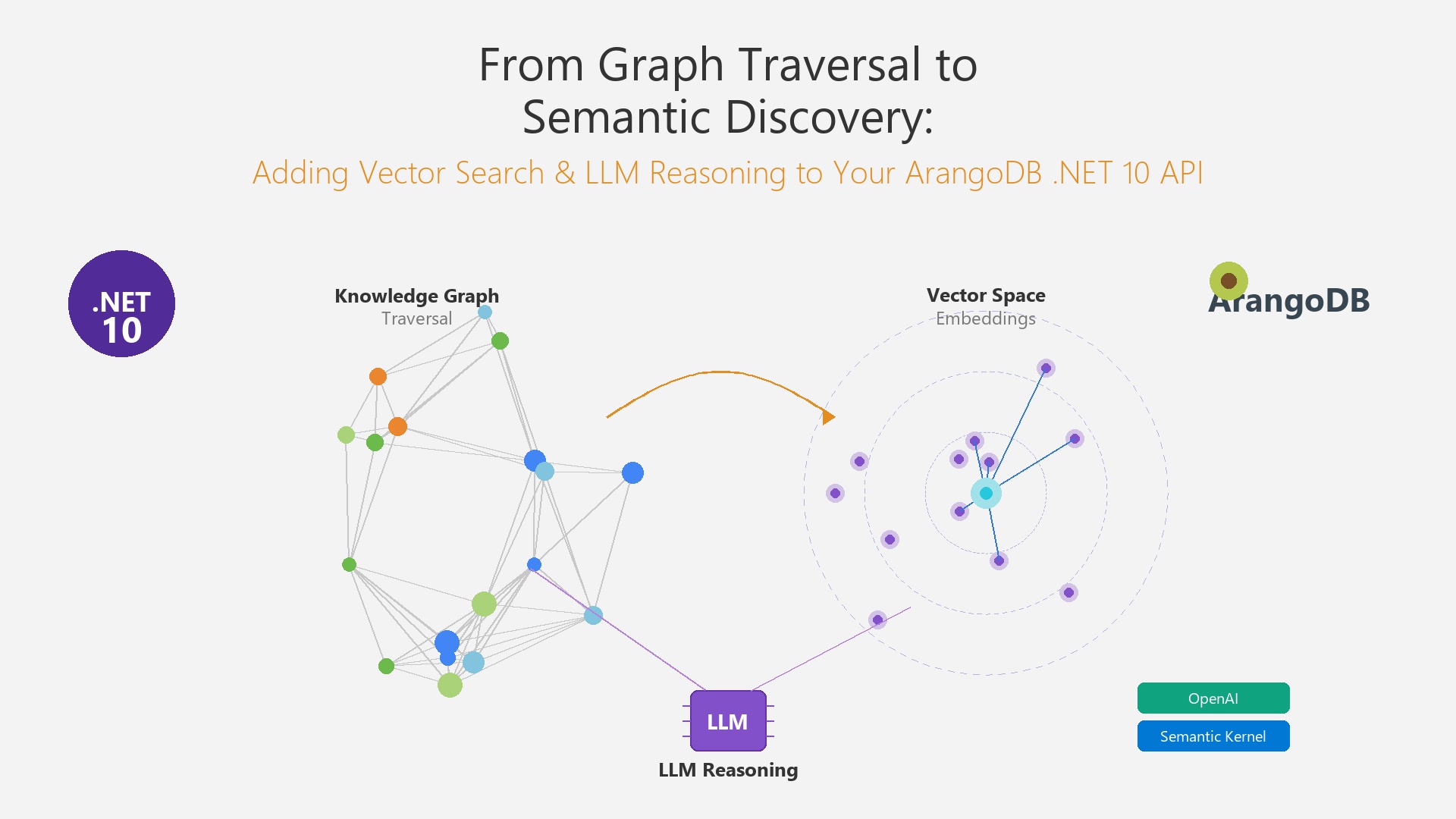
From Graph Traversal to Semantic Discovery: Adding Vector Search and LLM Reasoning to Your ArangoDB .NET 10 API
In the previous article, I built a .NET 10 API […]
Read
October 22, 2026 · 12 min
Relationships in a Relational Database: MySQL vs NebulaGraph from 1 Million to 500 Million Rows
The same graph in MySQL and NebulaGraph from 1 to 500 million rows, plus a graph with hubs. The recursive CTE is what breaks, a breadth-first search on MySQL beat NebulaGraph on paths, and NebulaGraph won when the traversal itself was big.
Read
October 16, 2026 · 16 min
Why Agents Need a Knowledge Base: The Gaps an LLM Can't Fill by Itself
A model knows only what was in its training data, up to its cutoff, and very little about specialised fields or your own systems. Here are the four gaps a knowledge base fills in an agentic system, why a 1M token context window doesn't close them, and how to expose one to an agent in C#.
Read